You share the QR code
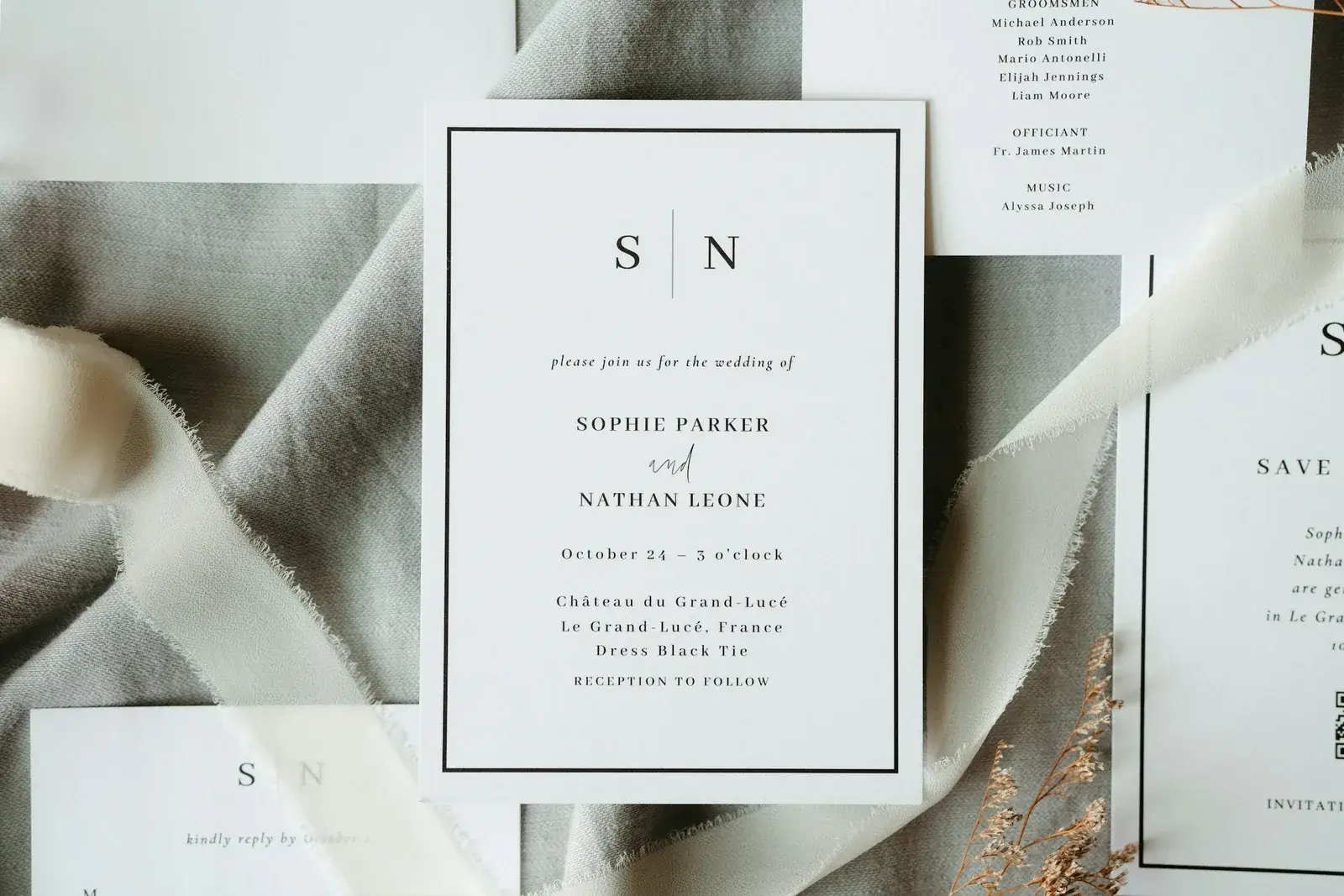
Your site's code can be downloaded and printed: on the invitation, on a small stand on the table, or on the thank-you card.
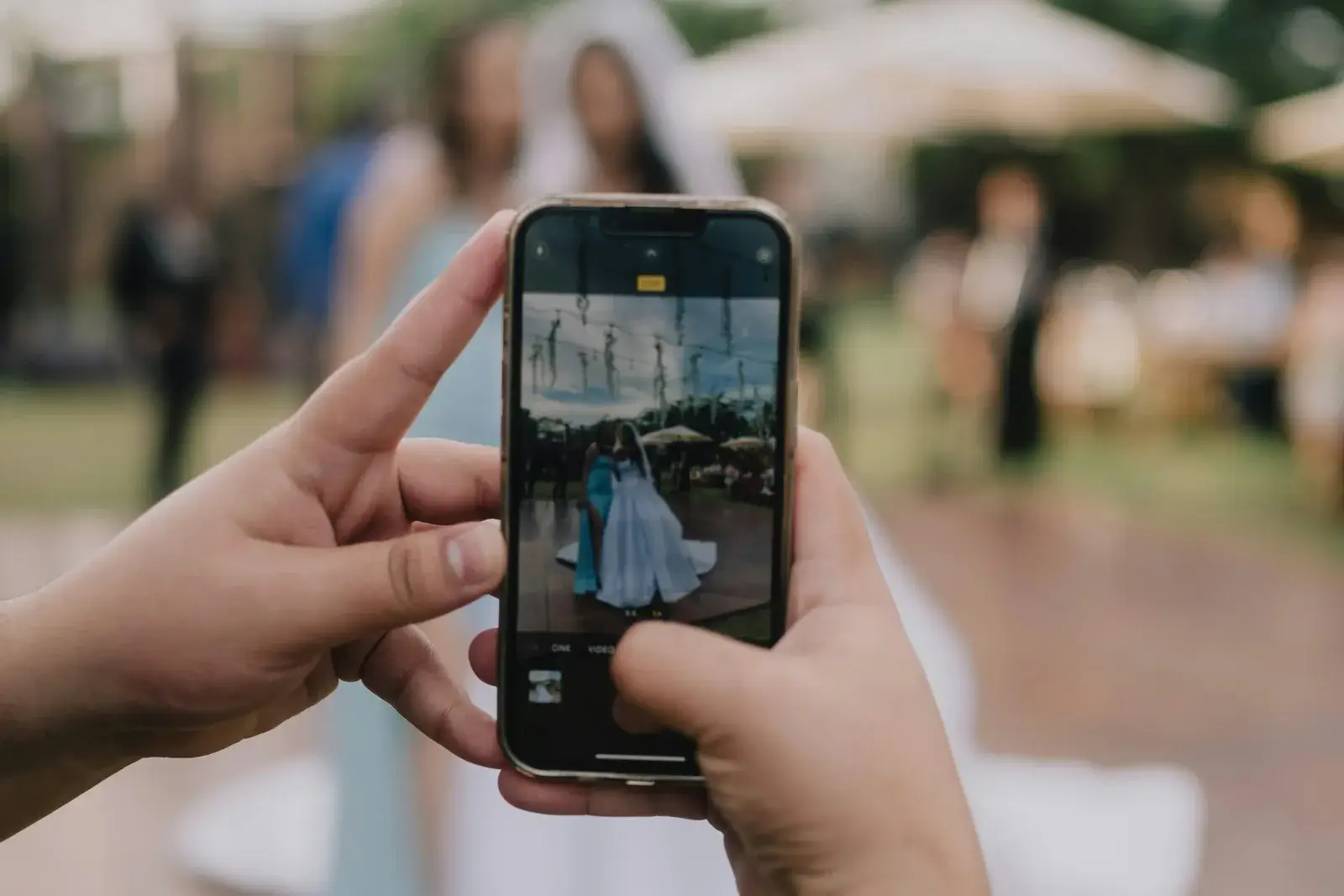
The morning after the wedding, the best pictures are sitting in thirty phones and none of them is yours. Here they land in a gallery of your own: you print a QR code on the card or stand it on the table, your guests upload with no app and no account, and you decide who gets to see the gallery at all.
Building and designing your site costs nothing. The gallery slots belong to a package — how many there are is on the pricing page. Cost
 One QR code, no explaining
GDPR-compliant
One QR code, no explaining
GDPR-compliant
Three steps, two of them your guest's — and both done standing up with a drink in the other hand. Pictures that never arrive almost always fail at a hurdle in that moment, not at a switch you forgot to flip.
Your site's code can be downloaded and printed: on the invitation, on a small stand on the table, or on the thank-you card.
Scan, open with their own invitation code, pick the pictures. No app, no account, no sign-up.
The pictures sit in one place instead of thirty chat threads, and you can download them, sort them or delete one.
Building and designing your site costs nothing. The gallery slots belong to a package — how many there are is on the pricing page.
It is part of your wedding website, not a second service with a second login. What you see here is what the product actually does today.
One switch for the whole gallery: on when you want to collect pictures, off when it is only there to look at. You can flip it whenever you like.
Ceremony, party, photo booth: you create categories and sort the pictures into them, so somebody can still find something later.
Short clips belong in there as much as photographs — the first dance is simply a different thing on video.
Engagement photographs, pictures of the venue, the couple shoot: the gallery is on your site before the wedding and sets the tone for your guests.
A picture that should not stay, you delete on its own. And whether the gallery appears on the site at all is your decision.
What has been collected, you take out. Do it soon after the party — no gallery is an archive, ours included.
The QR code is generated straight from your wedding site's address. It is one code for the whole site, so guests land on your home page and reach the gallery from there, rather than on a bare upload box with no context.
One code for the site, not three codes for three purposes — that is the one you can explain over the phone.
The more visible the code, the more pictures actually arrive — that is the whole craft of it.
The pictures from a wedding day show children, colleagues and relatives who were never asked whether they wanted to be on the internet. So nothing here is public unless you make it public.
Three pieces from our magazine on the questions that come up before the first QR code goes on a table.
Build your site for free, look at the gallery the way a guest sees it, and decide later whether to send.
Start for freeBuilding and designing is free — you pay once, when you send.