Table of contents
digital wedding invitation with QR code and RSVP: this guide explains which functions really matter and which cost or privacy details couples should check before choosing a tool. The hard part is rarely the technology; it is the handover. The printed card sits in someone's hand, the code opens a page, and within seconds that page has to make clear who is being addressed and what to do next.
A QR code is a promise printed in ink. Once the cards are at the post office the address behind the code cannot be changed, so the decisions that look technical — which web address the code resolves to, who may open the page, how long the link stays alive — are really deadlines. Couples who treat them as deadlines in the first week rarely need a second print run. This guide follows the code from the card to the reply and marks the points where a choice stops being reversible.
Almost every follow-up question comes from one gap: the code sits on the card, but the page behind it greets everyone the same way, so nobody knows whether to answer as a couple, as a household or as one person.
Two decisions fall earlier than couples expect. The web address has to be final before anything goes to press, because paper cannot be corrected, and the reply deadline hangs on the caterer's cut-off date rather than on a feeling. Nearly everything else can still be changed later.
1. What replaces the paper card
A digital invitation with a QR code is two objects that have to agree with each other: a printed card and a page. They are produced at different times, by different people, and only one of them can still be changed after the envelopes are sealed.
Most of what goes wrong later is a disagreement between those two objects rather than a missing feature.
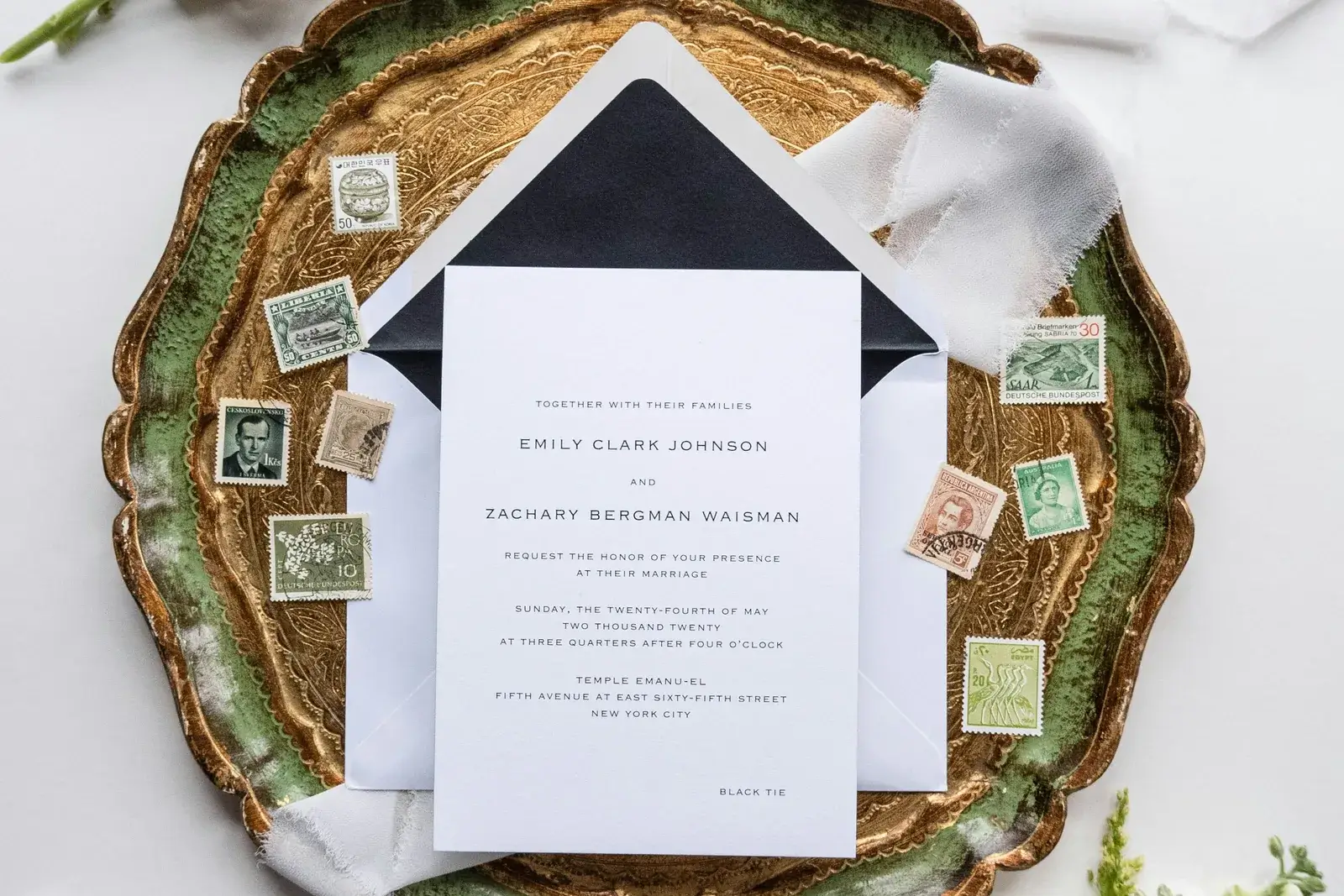
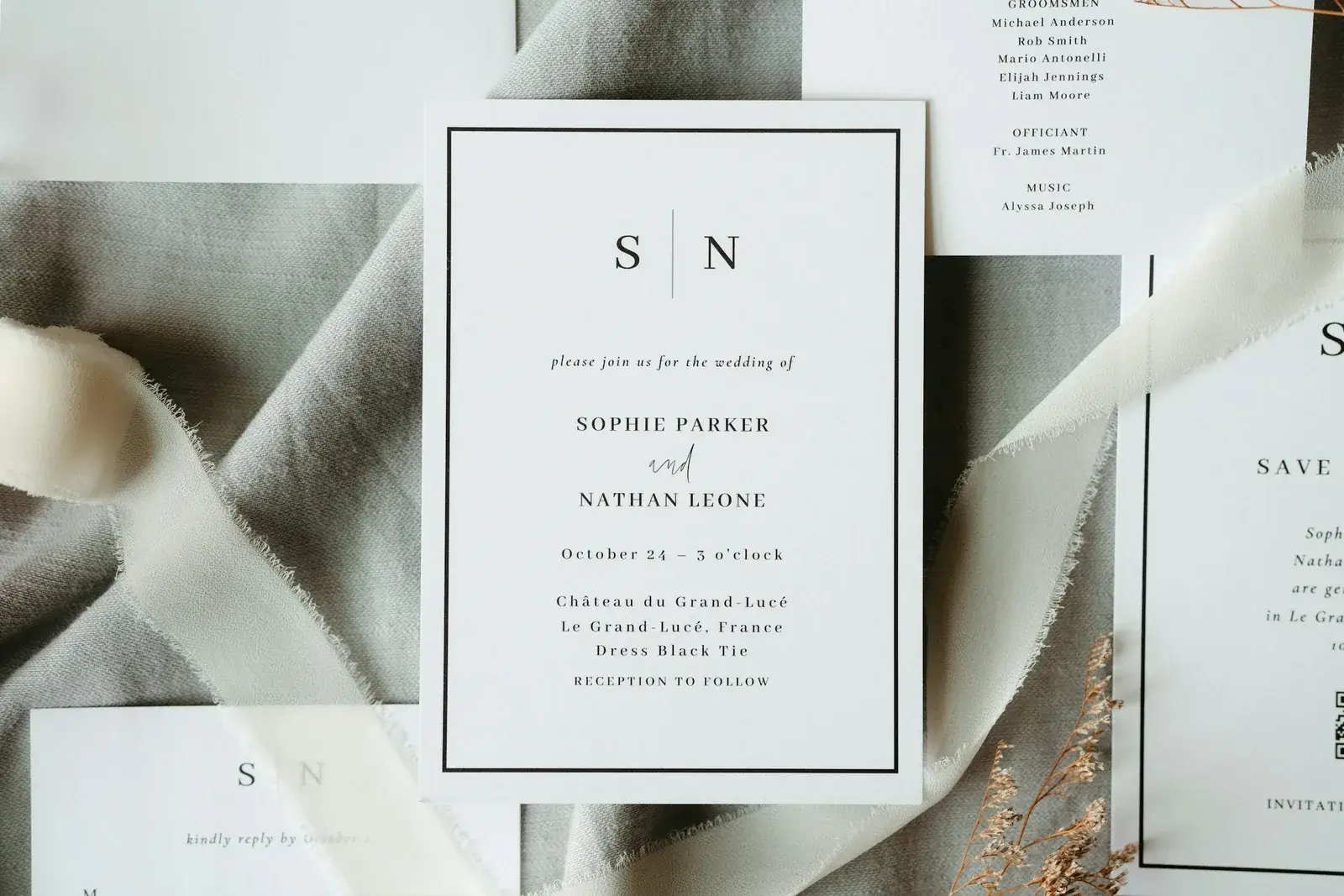
So the real question is not printed versus digital, but which medium carries what. The card carries the occasion, the date, the place and the tone of the day, and the usual stationery deadlines and wording still apply to it. The page carries what still moves: times, travel, hotels, menu choices, cancellations. Put a detail in both places and the two will contradict each other eventually — and guests believe the card on their fridge.
The second question is who actually replies. Invitations go to a household, replies come from a person. If the form only knows one name, the plus-one, the child and the second menu choice go missing. Invite by household and collect the guest list per person — for separated parents that means two cards, two codes and two separate replies.
A QR code is only as good as the first line on the page it opens.
2. What a digital invitation costs
Money enters this project twice, and the second time is the one that surprises people. The page and its reply form carry the ordinary price of a wedding website. The printed carrier — cards, tags, table signage — is a separate print run that has to be paid before a single reply arrives. A code that has to be reprinted therefore costs paper, postage and a week of calendar rather than a software upgrade, and that asymmetry is the reason to settle the web address before the design is approved.
It helps to sort the money into three buckets: what is paid once, what returns every year, and what only appears when things get tight. Extra guests, extra pictures in the gallery and a custom domain are the usual late additions. Ask what happens after the wedding too — whether the site stays reachable, for how long, and whether exporting the guest data is included.
The most expensive item is rarely on the price list. If the address of the site changes after printing, the whole run of stationery is waste paper, and reprinting plus postage easily costs more than the website does in a year. Settle the address before the print is approved, and pick one that still reads correctly if the venue or the date moves.
3. Making the QR code and the invitation code work
QR codes and digital invitations work best when the next step is obvious: scan, open the page, check the name, reply and answer any additional questions. Without structure, couples still receive messages through WhatsApp, phone and email.
An invitation code protects private content and separates public product pages from personal wedding pages. For Google, this matters: marketing pages can rank, while private guest pages should not be unnecessarily indexed.
On paper, physics decides. A code on an invitation card wants roughly two and a half to three centimetres per side: smaller and older cameras give up, larger and it looks like a parcel label. It needs a quiet, light area around it — no photograph, no pattern, no gradient — and it tolerates neither a fold nor a trim edge. A dark code on a light background works; the other way round only works with luck.
What actually goes wrong is nearly always the finish. Foil, spot varnish and embossing catch the light, and the highlight lands exactly on the corner the camera uses to orient itself. Just as common is the code printed only on the envelope, which goes into the recycling with it. Put it on the piece people keep, and print the address underneath as short, typeable text for guests without a smartphone.
Test a real printed proof rather than the screen: once with a new phone, once with an old one, once in evening light. And keep the path behind the code short — open, find the name, reply. Every extra stop costs replies: an account, an app, a second password.
Related articles
4. What guests hand over when they reply
A QR code carries no protection of its own. It is a picture of a link, and a picture travels: a card left on a restaurant table, a photograph a guest posts, a scan forwarded to someone who was never invited. Whatever sits behind the code is therefore as public as the card itself, unless a second step asks who is scanning. That is the entire reason invitation codes exist, and it is also why the form behind the code should ask for the minimum it can work with.
On the form itself, ask for as little as possible. For the kitchen, vegetarian or vegan plus one free field for intolerances is enough; diagnoses and medication do not belong in a guest list. When you pass allergies on, give the caterer the number and the table rather than a named list, and count children as numbers, not as dates of birth.
A printed invitation code is a polite door, not a lock: it gets photographed and pasted into a family chat. That is usually harmless, but it should decide what sits behind the door — schedule and travel yes, the full guest list with addresses rather not. Decide in advance when you delete the data as well; once the thank-you cards are out, nobody needs eighty people's menu choices.
5. Checklist before you send
The checks that matter here are not feature comparisons but timing checks: each one has a moment after which fixing it costs a reprint instead of a click. The list below is ordered by that deadline rather than by importance.
- Before printing: settle the web address, test-scan a real proof on two phones, align the reply deadline with the caterer.
- On the card: code large enough, light background, no varnish across it, address repeated as text.
- On the page: find the name, accept or decline, plus-one and menu in one step, changes still possible.
- After sending: one reminder two weeks before the deadline, then follow up personally.
- After the day: export the guest data, then delete it.
The exceptions are the real test. International guests need the date written out rather than as digits and an honest note on how long the journey takes. Guests without a smartphone reply through someone who enters it for them — plan for that instead of treating it as a mishap. And late cancellations need a way to change an answer until shortly before the day, otherwise exactly that information arrives by phone on the evening you least want to be taking notes. How the replies are organised online then depends on your schedule, not on the tool.
Getting Married fits couples who want a beautiful, private and functional wedding website without a running subscription, while still covering RSVP, guest list, photos and domain in one setup.
A QR invitation works when the card, the code and the page all tell the same story — and when nothing that has to stay fixed for a year is printed before it is genuinely certain.
In practice that means settling the address first, then printing, then inviting, with the reply deadline tied to the caterer's cut-off. A code that opens a page which already knows the name and is finished in three steps removes most of the questions; a phone call handles the few who never reply to anything. It is a question of sequence rather than of technology.
Planning your dream wedding?
Create your own wedding website in minutes – with RSVP function, photo gallery, and more.