Table of contents
A wedding website with an invite code keeps private information protected without making access difficult for guests. The difference from a shared password is small on the printed card and large in the admin: a code belongs to one invitation, can be blocked on its own, and ties every reply to the household that sent it. This guide covers what it shields, what it does not, and where guests get stuck.
Couples often share details that do not belong in search results: names, venues, exact schedule, photos, menu choices, allergies and RSVP answers. A password or invite code separates those private details from public marketing pages.
That split is deliberate: a public product page can be found through wedding website searches, while the actual guest page stays private and invite-only.
Set the expectation correctly, though: an invite code is not a safe. It keeps strangers and search engines out and makes every reply attributable. It does nothing about the invited guest who drops the link into the family group chat. The only remedy for that is editorial rather than technical: whatever sits on the page has to be something the whole invited circle may read.
Which fixes the order of work: decide what belongs on the page at all, then choose how access works, and only then send the cards to the printer.
1. Password or invite code?
A shared password is simple but can be forwarded easily. An invite code fits better when access should be tied to the invitation or QR code context.
For couples, the important part is that guests can reply without installing an app or creating a long account while private content stays out of public search.
The technical difference is a single one: the password is the same for everybody, the code belongs to one invitation. A password can only be changed for everyone at once, so once it reaches a group of forty people you owe forty people a new message. A single code can be blocked without any other invitation noticing.
Sometimes the shared password is still the more honest choice: a pure information page with no reply form, or an open evening reception where guests bring whoever they like. Nothing needs attributing there, and a list you never maintain is only work. A third option sits in between — a publicly readable page with a protected reply, where schedule and travel are open to anyone and the form only opens with a valid code.
Private does not have to mean complicated; the best protection is access guests understand and couples control.
2. Protect the right data
Protect anything that identifies people or concrete plans: venue address, exact times, contact details, menu choices, allergies, plus-ones, children and photos.
A guest-upload gallery should also not behave like a public blog. Invite codes and clear permissions keep memories within the right circle.
The harder question is the second one: what should stay off the page even behind the code? Anything that belongs to somebody else. Publishing the maid of honour's mobile number is a disclosure to the entire invited circle. Named allergy notes are health information about a third person and belong in the form only you and the caterer see. And a home address for money gifts quietly announces when the flat is empty.
Galleries have one detail you only appreciate afterwards: every upload carries the code it came in through. You can see which invitation a picture belongs to and remove a single file instead of closing the gallery. With photographs of children the decision is the parents' anyway — a closed circle is what makes the question answerable at all.
3. Organize RSVP and guest questions
RSVP becomes valuable when it asks more than yes or no. Plus-ones, menu choices, shuttle needs, hotels or children’s seats can flow directly into planning.
Getting Married lets couples collect guest data, responses and additional questions in one private area instead of piecing answers together from chats and email.
Beyond protection, the code does something else: it decides who a reply belongs to. Answering a second time overwrites the first reply instead of adding another one. Without attribution you end up with three entries reading Miller and no way to tell whether one family replied three times or three cousins replied once each. Hence the fixed order: build the guest list first, which is when the codes exist, and send the invitation after that.
In practice that means one code per household, carrying one card and one head count. Adult children with their own address get their own, otherwise one of them answers for both and the second never sees the follow-up questions. Separated parents work the same way: two invitations, two codes, and neither reads the other's answers. A late cancellation is a change on the invitation, and the head count follows.
Related articles
4. Consider GDPR and hosting
Wedding data should follow basic privacy principles: ask for only needed data, limit access, avoid public exposure and explain what information is used for.
German hosting and protected access are strong signals for couples who take guest data seriously.
The most honest filter for the form is one question per field: what would we do differently once we know the answer? The allergy is answered by the caterer, the head count by the seating, the mobile number only if there really is a shuttle to coordinate. Where there is no answer, the field goes.
Keep two doors apart, because they are easily confused: the invite code protects the guest page, your own login protects the admin area holding every reply. Then think about copies — the caterer, the venue and whoever builds the seating plan all receive extracts, and those do not disappear when you delete your list. Hand over the column that is needed rather than the whole export, and name a date by which the copy should be gone. More on that in the guide to guest data and GDPR.
5. Practical recommendation
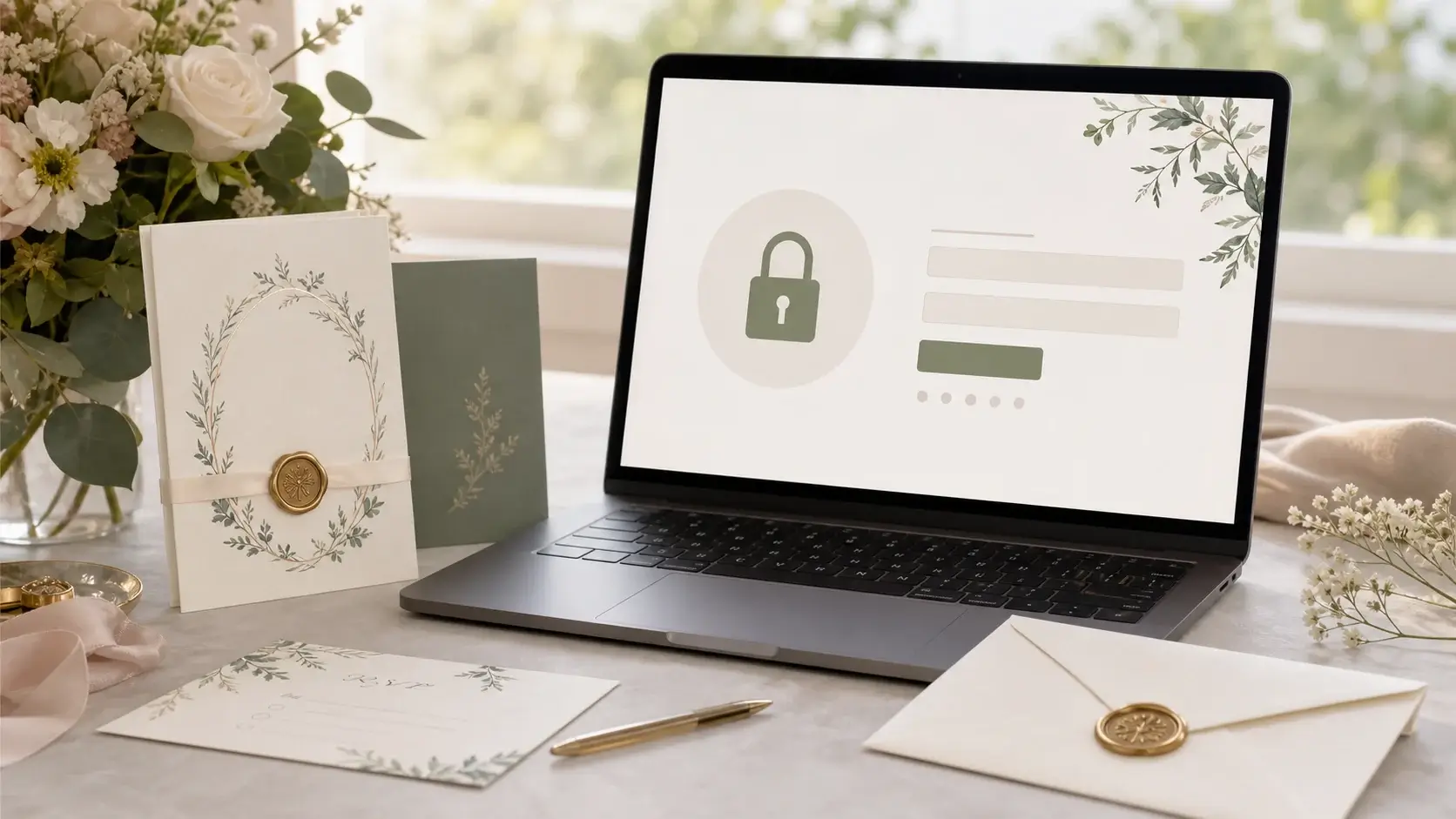
Use the invite code directly on invitation cards or next to the QR code. Keep instructions short: open the page, enter the code, send RSVP and answer the questions.
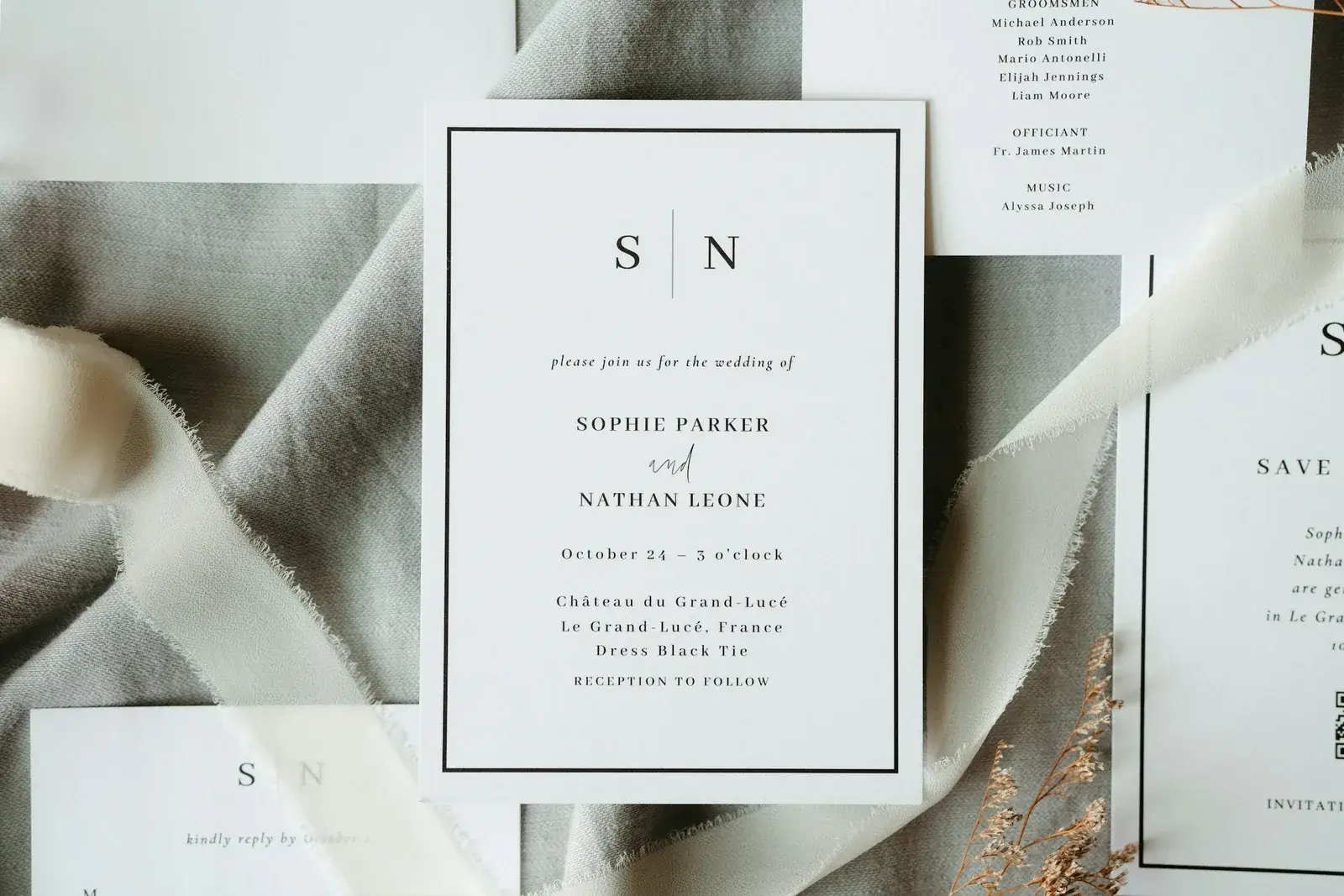
Three lines belong on the card: the full address of the page, the code underneath, and one sentence carrying the deadline. The QR code may already contain the code so that nobody types anything, but the printed code still belongs beside it, because cards get photographed and forwarded, and a scan taken from a chat often refuses to work.
Where guests get stuck is the same everywhere: the code goes into the browser's search bar instead of the page, a zero is read as an O, a stray space travels along. So choose short codes without ambiguous characters and without accented letters, so guests abroad find them on their own keyboard. For anyone without a smartphone, print a phone number beside it: the code can be dictated, and it does not matter who types it in, because the reply still lands on the right invitation.
For Google, the public product page should rank, not the private couple page. That is why advice content links to create a wedding website.
A wedding website password or invite code balances convenience and privacy. Guests reach the right information quickly, while couples manage RSVP, guest data and photos in a controlled way.
Remember above all what the code buys beyond privacy: a misused access costs one blocked invitation rather than a new password for everybody, and every reply stays attached to the household that sent it.
Three questions therefore belong before the print run. One code per household or one per person? Which details do you genuinely need to ask for? And when does the page come down again? Turning those replies into a list you can rely on is covered in the online guest list guide, and the picture side in the guest-upload gallery guide.
Planning your dream wedding?
Create your own wedding website in minutes – with RSVP function, photo gallery, and more.