A subdomain on our site
You pick the label in front. It comes with the Premium package, it is live the moment you save it, and there is nothing to renew separately.
For example: anna-and-tom.getting-married.info
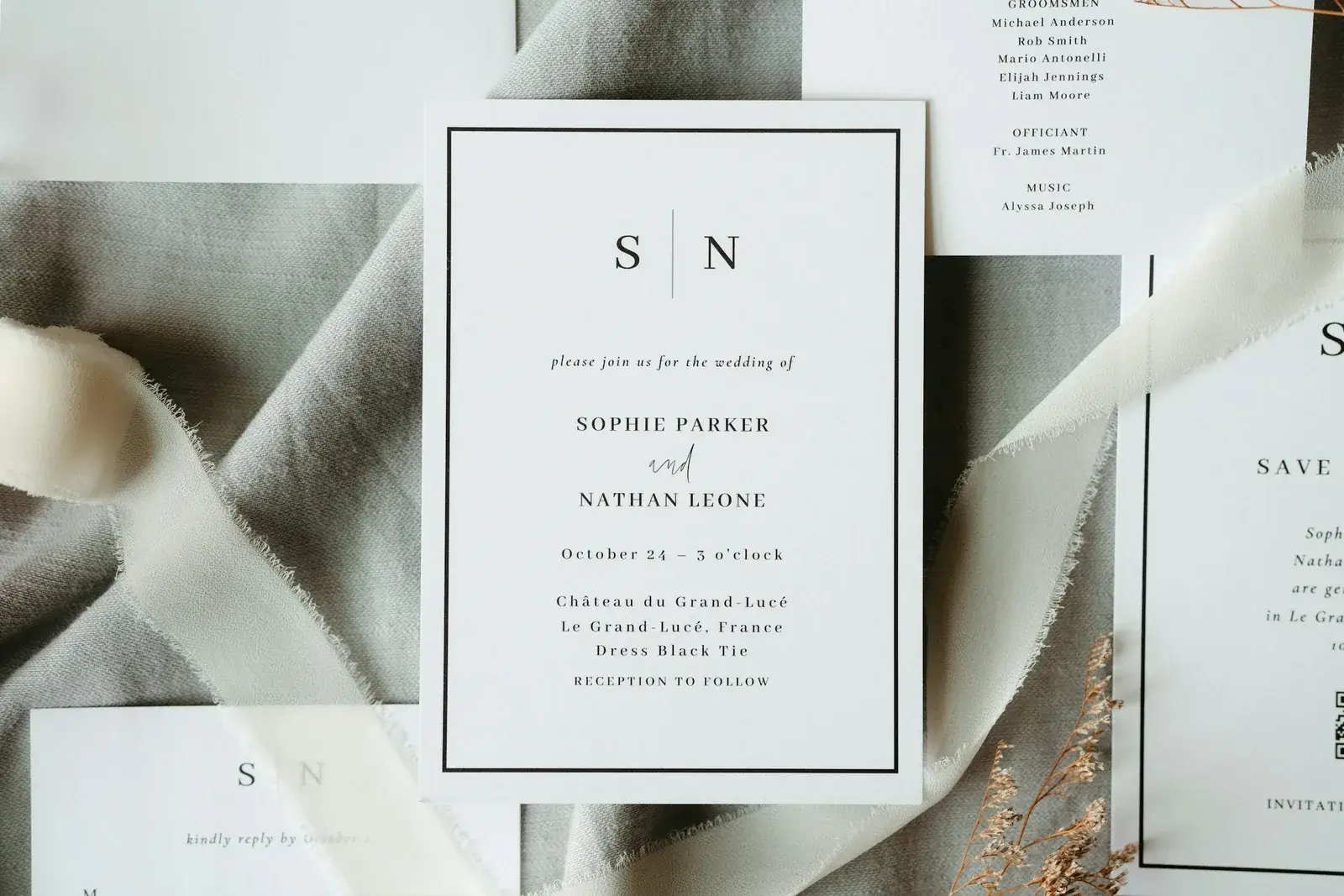
The address your guests will actually type: your wedding website needs a name people can read off a card and get right the first time. You can have a subdomain on our site, or a domain entirely your own — either way it goes on the invitation, and it is the one detail nobody wants to get wrong in print.
 An address you choose yourselves
GDPR compliant
An address you choose yourselves
GDPR compliant
Both give your page a real address instead of a string nobody can remember. The difference is whose name is in it.
You pick the label in front. It comes with the Premium package, it is live the moment you save it, and there is nothing to renew separately.
For example: anna-and-tom.getting-married.info
With the Domain package you tell us the address you want and we register it for you. No registrar account, no DNS settings, no separate invoice.
Just your names — our name does not appear in it at all.
Both belong to a package. Building and designing your page stays free either way.
You will read this out loud at least fifty times and print it at least once. These are the things couples wish they had thought about first.
Every extra word is another chance to mistype it. Two names beat a full sentence, and they fit on a card.
If you have to spell it over the phone, it is too clever. Skip hyphens where you can and avoid anything with two plausible spellings.
It is the pair getting married, and guests look for both. It also stops the address reading like one person's homepage.
A date in the address makes it look expired the moment the wedding is over — and you may still want to send people there afterwards.
Write it out by hand before you order the cards. Anything that looks ambiguous on paper will be typed wrong on a phone.
The gallery and the thank-yous live at the same address. Pick something you will still be happy to send people to.
The address is a setting, not a project. You choose it in your own dashboard and it goes live without you touching anything technical.
You can prepare the whole page before deciding on the address.
Same address everywhere, so nobody ends up with two versions of it.
The address is the easy part. What matters is what happens when a guest actually opens it.
Three pieces from our magazine on choosing an address and what to put behind it.
Build your page for free, see how it looks, and pick the address when you are ready to send.
Start for freeFree to build and design — you pay once, when you send.