Wedding website
Wedding website, RSVP, guest list, photo gallery and digital invitations.
An introduction
A wedding website earns its place by answering once, and in public, the questions you would otherwise answer forty times by text message: where, when, what time the ceremony, what time the reception, where to park, whether there is a bus back into town. So the first decision is not a design decision. It is working out what the site has to do — collect replies, hold the guest list, carry the addresses — because that settles everything after it.
Start with the replies. RSVP is the one function with a deadline attached: caterers and venues want a final number weeks before the day, and every guest who has not answered turns into a phone call for somebody. Ask only for what you will actually use — name, meal choice, dietary requirements, whether a child is coming — and stop there. Every extra field costs you replies and leaves you holding data you now have to look after.
The web address comes up earlier than most couples expect, because it gets printed. Once the save-the-dates are in the post the URL cannot change, so decide before the stationery order whether you want a subdomain or a domain of your own. The real test is being able to read it aloud across a dinner table without spelling it twice.
That leaves the private half. The venue address, phone numbers, photographs of your family — none of it needs to be findable through a search engine. An invite code or a password puts the practical pages behind a door while the front page stays public, and under UK and Irish data protection rules that is also the simplest way to keep guest details from travelling further than they should. Photos last: agree who may upload, who may download, and what happens to the gallery once the honeymoon is over.

Wedding website vs. wedding homepage: what couples actually need
Wedding website, wedding homepage or wedding site: compare wording, RSVP, invite code, custom domain and private gues...

How to judge a wedding website example before you copy it
Judge an example by its guest journey, not its typography. Which sections earn their place, what guests look for on a...

Wedding website password or invite code: protect private details
A shared password travels; a code belongs to one invitation. Which details to keep behind it, and how to explain acce...

Wedding website cost comparison: free, one-time payment or subscription?
Free starts, then charges for publishing, domain, guest limits or export. Which cost items to line up before comparin...

Create a wedding website: which features do you really need?
Not every feature earns its place. Which parts of a wedding website guests really open on the day, which they skip, a...

Wedding website free trial: what is free and when do you pay?
Free usually covers building the page. Publishing, a custom domain, guest limits, photo storage and exports are where...
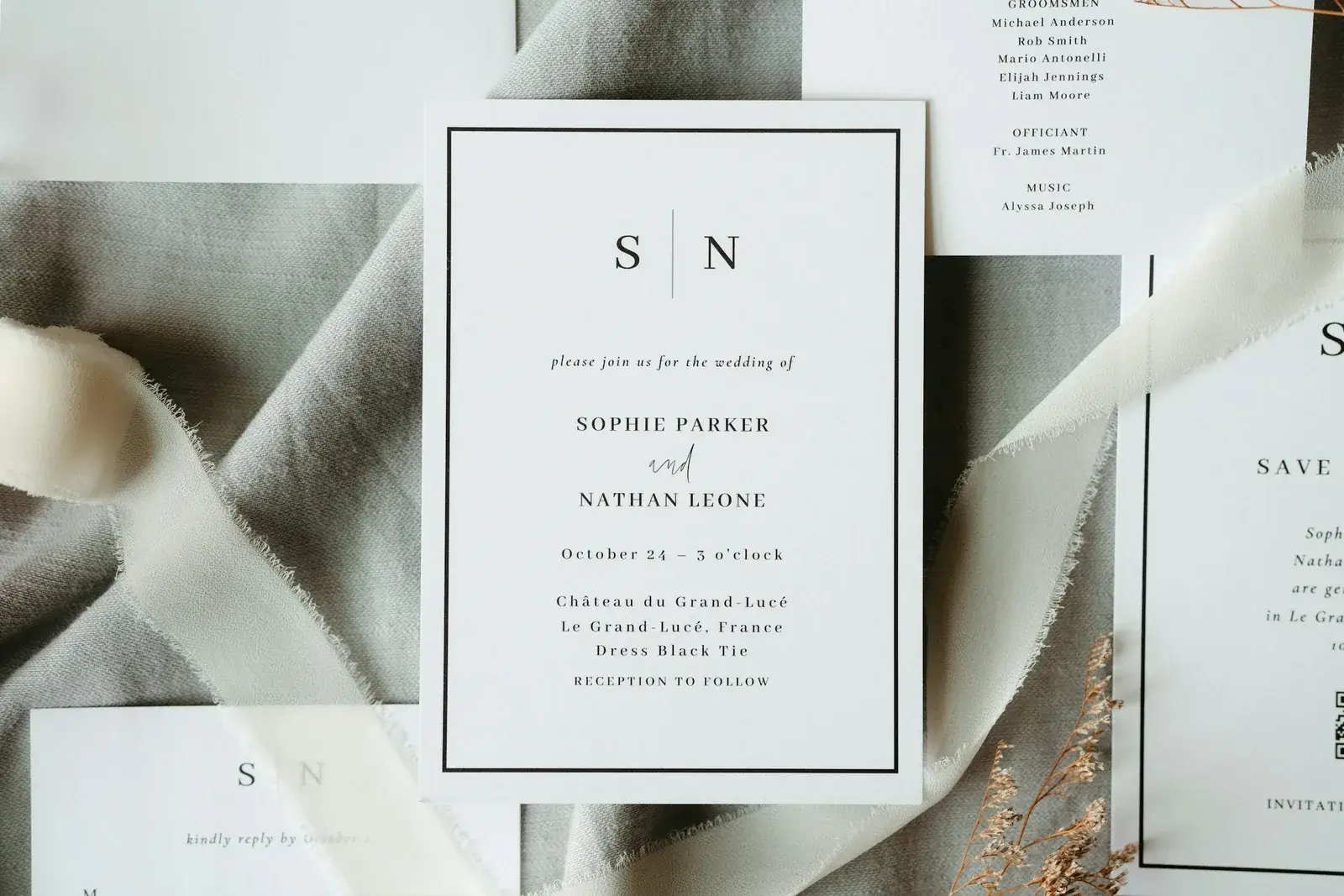
Digital wedding invitation with QR code and RSVP: how it works
Scan, open, find your name, reply. What has to happen between the printed code and the guest list so answers stop arr...
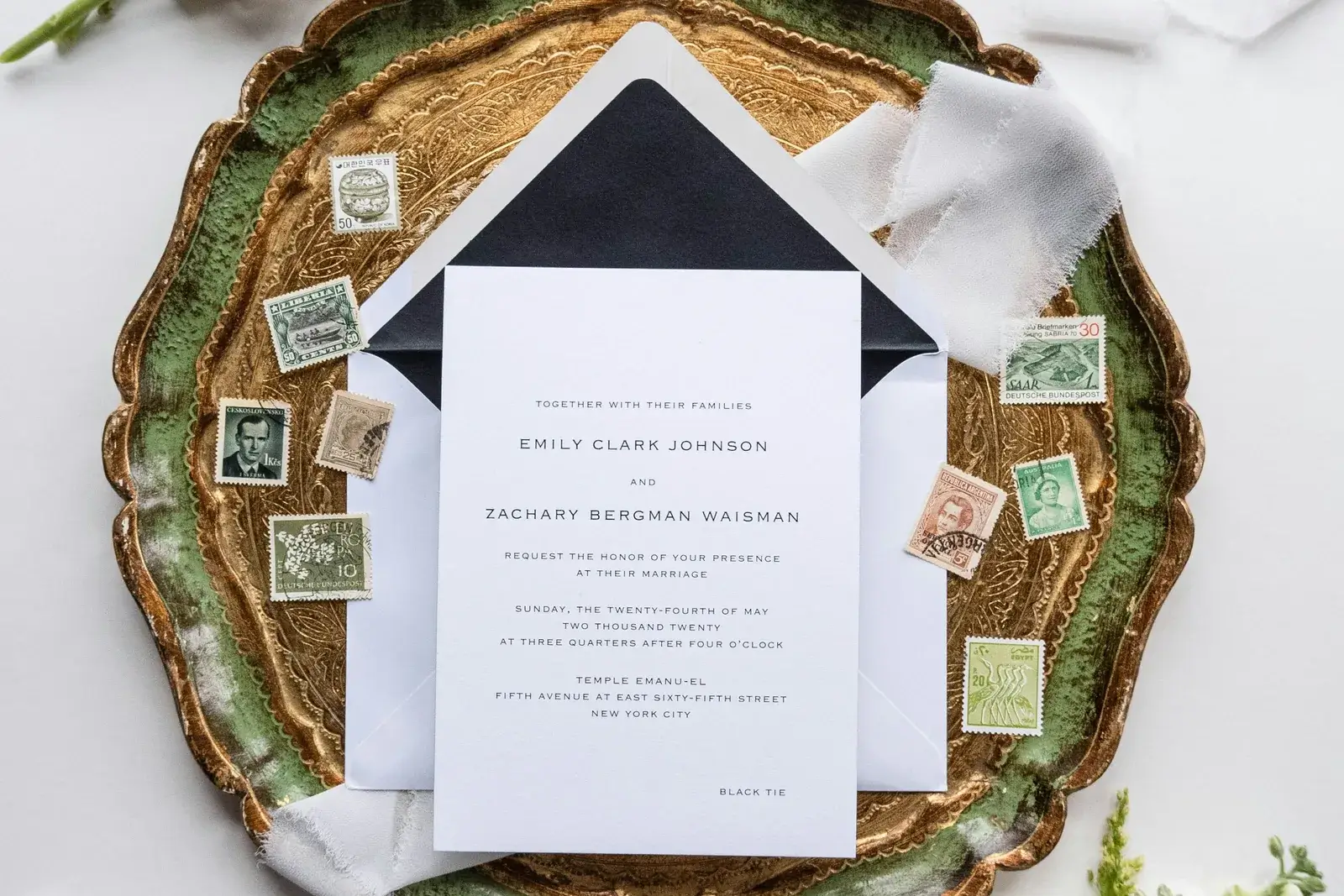
Wedding RSVP online: replies, menu choices and guest questions
A reply is more than yes or no: plus-ones, menu choices, allergies, shuttle and hotel needs belong in the same form,...

Wedding website with custom domain: subdomain or own domain?
A free subdomain is quick; a bought address reads better on invitations and QR codes. What each one costs in setup, w...

Wedding website without subscription: one-time payment or yearly plan?
A wedding page has a natural end date. When a one-off payment is the cheaper fit, and when an ongoing plan still earn...

GDPR wedding website: invitation codes, privacy and hosting
Names, addresses, allergies and photos are guest data. Where it is stored, who can open it, and why your own page sho...

Wedding guest list online: RSVP, allergies and export
Replies are only half of it. The list has to carry plus-ones, menu choices and allergies, and it has to leave again f...