Table of contents
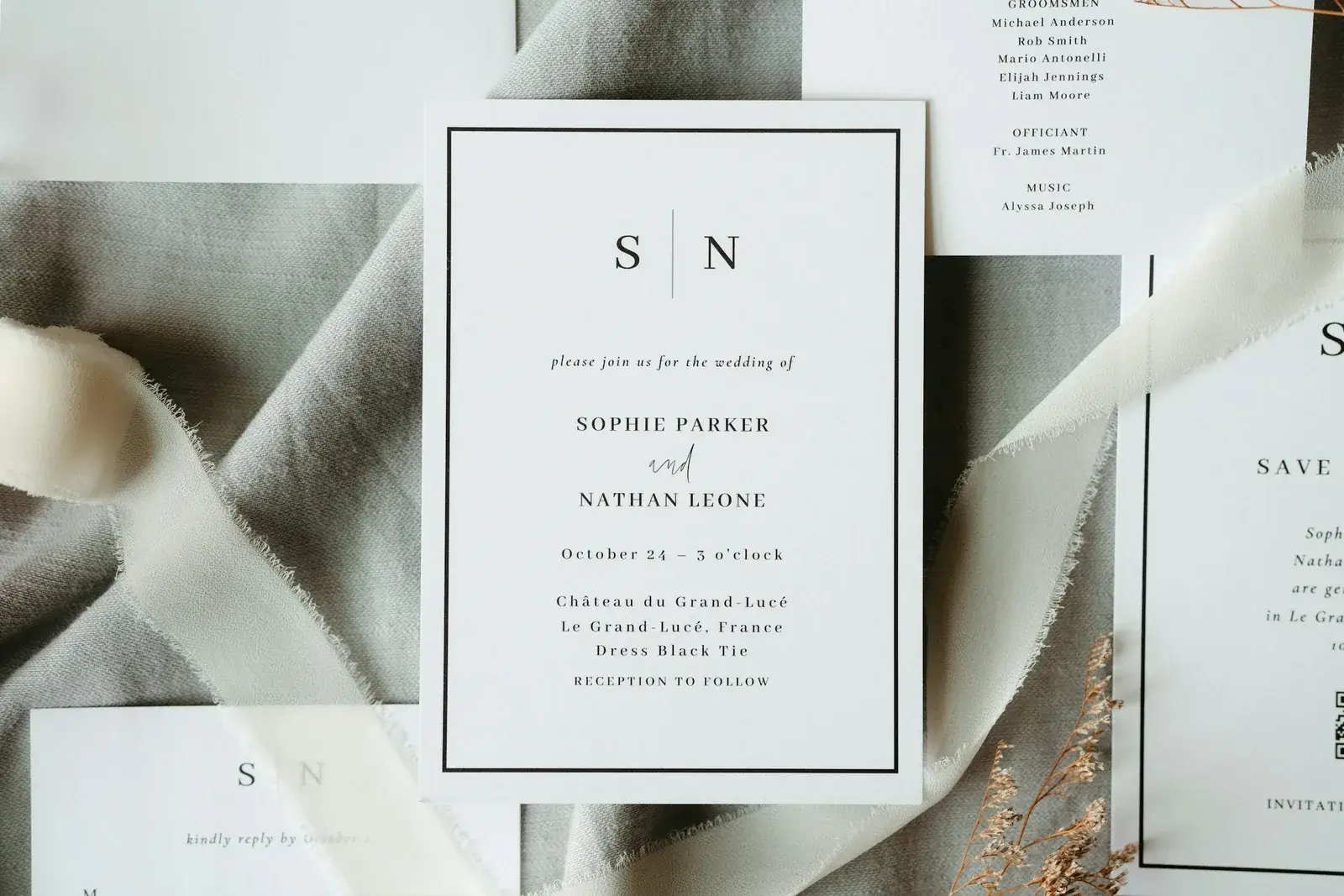
A save-the-date website has one job eight to twelve months out: getting the date into your guests calendars. This guide covers when an early page beats a printed card, what belongs on it, what should deliberately still be missing, and how it grows into the full wedding site without the address ever changing.
A save-the-date page is not a small wedding website; it is a page with exactly one job, which is to secure the date. Anything that does not serve that job weakens it — the running order, the dress code, gift wishes and the reply itself belong in the invitation months later.
Its advantage over a printed card is not the money saved but that the same address can show more later without anything changing for your guests. How the invitation then goes out — on paper, by code or both — is a question of its own and lives in the digital wedding invitation. And what happens once the answers come back is set out where the replies come together.
With Getting Married you create the page free of charge and see it in preview before anything starts running. On an early page that is precisely the decisive point, as the second section shows.
1. When an early announcement really secures the date
An early announcement is not always necessary. It earns its place when guests have to travel, when you marry in the holiday season or on a popular summer weekend, or when many guests book their leave far ahead. The usual lead time is eight to twelve months; the invitation follows three to five months before the date, with the reply deadline four to eight weeks out. Marrying locally, in a small circle, six months from now, you can skip the step. Which card goes out when follows the same logic.
Four things belong on the page: your names, the date, the region — the venue may stay open — and the sentence saying the rest will follow. It becomes useful when guests must book early: hotels in town, the nearest airport, the weekend when rooms get scarce. Spell the month out when guests come from abroad, because 03/04/2027 reads as 3 April in Britain and much of Europe and as 4 March in the United States. And if you celebrate twice — a small registry ceremony, a summer party, a second celebration in one partner's home country — the early page has to say which date applies to whom. Otherwise guests block out the wrong one.
The most common mistake at this point is not too little content but too much. Write down times, dress code and gift wishes in October and you will correct them three times before spring — and anyone who has seen the page once will not open it again to look for changes. Better to name what is still open, along with the month in which it will be settled.
A save-the-date page has a single job: securing the date. Everything else can wait for the invitation.
2. Why the package clock matters on an early page
On a save-the-date page the cost model hangs on the calendar, not on the feature list. Creating and designing costs nothing: colour, your story, live preview, no time limit and no payment details. You only need a package once the page is to be publicly reachable and invitations are to go out, and it runs for one year from purchase. Go live twelve months before the wedding and it ends roughly the day after — precisely when the gallery becomes interesting.
Two clean routes follow. Either you announce the date by card or email and publish the page for the invitation phase, so the paid year covers the wedding and the months after it. Or you go live early and plan the second year in deliberately: renewal costs less and is added to the existing end date, so it loses you no days. Only the third route is wrong — going live early and hoping it works out.
Which other models exist on the market, and where fees turn up in them, does not belong in this piece: that sits in the comparison of free, one-off or subscription. For the save-the-date moment only one thing counts — when the clock starts running.
3. What deliberately does not belong on the page yet
The reply has no place on an early page. An answer given ten months before the party is not a planning basis: it changes, it is forgotten, and you will ask again anyway — only now against the impression that everyone answered long ago. When a reply becomes reliable, and where its deadline comes from, is set out where it belongs: with the replies to the wedding.
At this point collect only what genuinely helps early: current email and postal addresses, and word from the guests who have to book flights or leave far in advance. That is not an acceptance but a statement of intent — and that is exactly how the question should be phrased, so that nobody later believes they have already replied.
Protection may grow along with the page. While only names, date and region are visible there is little there that anybody needs to lock away; as soon as the time, the venue address and the guest list appear, they belong behind the invitation code. How a code gets onto a printed card, and what it tolerates there in paper, varnish and folds, is a matter for the invitation — set out under card, QR code and reply path.
Related articles
4. Online early means findable early
Being online early also means being findable early. The date then travels through channels you do not control: forwarded messages, link previews, screenshots in family group chats. If you would rather not tell work or the wider family yet, keep the page under an unremarkable address until the invitation, or behind the code from the start.
The venue address does not belong on an open page in any case, not even as a photograph with a readable sign: it tells strangers when a house is full of guests and when a flat stands empty. Ten months of lead time are ten months in which that hint sits on the web — one more reason to name the region and hold the address back.
And whatever contact details you gather early, gather them in one place — one guest list in one place rather than three chats and two spreadsheets, which are later neither complete nor reliably deletable.
5. Four questions before you start
Four questions are enough for the early page:
- Are guests travelling, or does the date fall in a busy week? If not, save yourselves the step.
- Are names, date and region settled? Is it said what is still open?
- Is the address fixed, the one the full page will later live under?
- Is a printed card planned for guests without email, carrying that same address?
The third point decides whether the early page turns into work later. Set the save-the-date page up under one address and send the invitation under a second, and the card from back then is worthless while your guests split into two groups: those with the old link and those with the new. Fix the address once — which is why subdomain or custom domain belongs before the save-the-date card, not after it.
A save-the-date page is built right when it carries a single sentence: keep this weekend free. It is the advance notice, not the invitation, and it grows weaker the more it gives away in advance.
Very little is needed to start: names, date, region, the note that more will follow — and an address that stays. Everything else can be added once you know it yourselves. Keep that order and you send two messages with real content in them, instead of the same half-message twice.
Planning your dream wedding?
Create your own wedding website in minutes – with RSVP function, photo gallery, and more.